
INDEPENDENT WEB CONVERTER · INSPIRED BY KINDLE COMIC CONVERTER Your files stay in your browser
C.CBZkoma
Discord ↗My account ↗
THE READING EXPERIENCE · EXPLAINED

More manga.
Less friction.

Discover why page formatting matters on an E Ink screen—and how comic-to-EPUB conversion can make your own CBZ volumes feel more like books.

5 standard credits + 5 one-time Google welcome credits · Four-hour refill after using all credits · No installer

E-READER READINGOriginal fictional manga cover example titled Midnight PagesCOVER • PAGE ORDER • EPUB
FROM CBZ
TO EPUB ↗
What CBZkoma offers today vs. what desktop KCC can do

These original illustrations explain KCC's capabilities and CBZkoma's current browser features. Our website does not run the original KCC Python engine. Advanced black-level processing and full intelligent margin removal are not yet available here. Results also depend on your Kindle model and transfer method.

01 — THE DIFFERENCE

Four details that change the reading experience.

Simple improvements can make a big difference on a black-and-white screen.

01 / INK AND CONTRASTFULL KCC DESKTOP CAPABILITY

Blacks that actually look black.

Gray or faded linework can look washed out on E Ink. The original KCC has optional image processing to deepen blacks, adjust contrast and preserve clearer artwork.

On this website: Current CBZ-to-EPUB output largely preserves source images. KCC-style automatic ink enhancement is a future goal, not an available filter.

FADED SOURCE
Illustrative washed-out comic page
Low contrast
KCC OPTIMIZED
Illustrative higher-contrast comic page
Deeper blacks
02 / FULLER PAGESFULL KCC DESKTOP CAPABILITY

More artwork. Less empty space.

The original KCC can crop white margins and create device-fitting page layouts. The result can use more of the screen, rather than wasting space around every panel.

About the progress tracker: Kindle reading-progress indicators are controlled by e-reader settings, not guaranteed to disappear simply because of a conversion. This website offers basic white-border trimming, but not the full KCC margin-detection engine.

WITH EXTRA SPACE
Illustration of page with extra margins
6%
Less page area
SCREEN-FILLING
Illustration of fuller comic page
Larger artwork
03 / MANGA READING ORDERAVAILABLE IN CBZKOMA TODAY

Read in the direction the story was drawn.

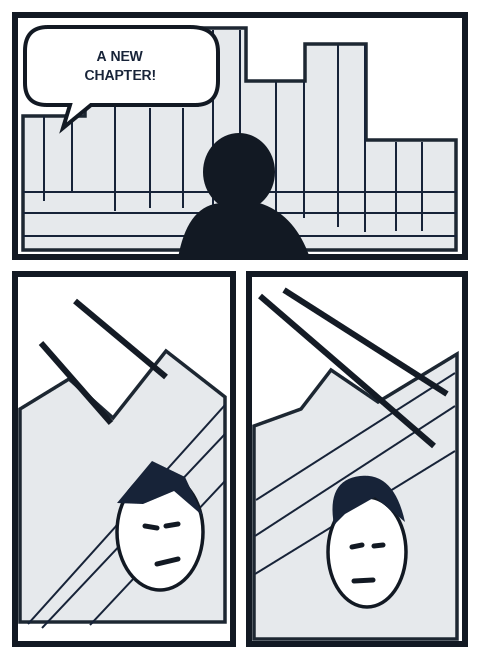
Import a CBZ archive and choose a manga-friendly reading order. CBZkoma can build a fixed-layout EPUB with right-to-left page progression, resize pages for selected Kindle profiles, split wide pages and apply basic border trimming.

Device note: Actual page-turn behavior can vary with Kindle firmware and how the EPUB is delivered. Always test a sample on your device.

CBZ IMAGE ARCHIVE
Original demonstration comic page
RIGHT TO LEFT ← ③ ② ①
FIXED-LAYOUT EPUB ↗
04 / THE COVER EXPERIENCEEPUB COVER METADATA NOW

A cover that belongs on your shelf.

A comic isn't just a set of pictures. CBZkoma marks the first image as the EPUB cover, letting the volume look and organize more like a book in compatible reading apps.

Worth knowing: A Kindle library cover thumbnail isn't guaranteed; Amazon's conversion process and the specific device may change how it appears. Use a proper cover image as the first page of your CBZ.

YOUR MANGA SHELF
CBZUnorganized archive
→
Original fictional EPUB cover exampleEPUB cover
02 — WHY CBZKOMA?

All the basics.
None of the installation.

The original KCC is a powerful desktop application. CBZkoma focuses on a simpler browser workflow: choose files, set reading preferences, convert locally, and download a Kindle-ready EPUB.

01No desktop install or 7-Zip needed for CBZ uploads
02Files processed in your browser; not uploaded to our hosting server
03Keep finished files in a browser-local shelf, subject to device storage
0410 EPUB downloads in the first verified Google round (5 regular + 5 bonus), then 5 downloads after each completed four-hour wait
GET STARTED

Make the next chapter yours.

Have a CBZ file you are authorized to convert? Try the browser converter, or join our Discord for reader advice and setup tips.